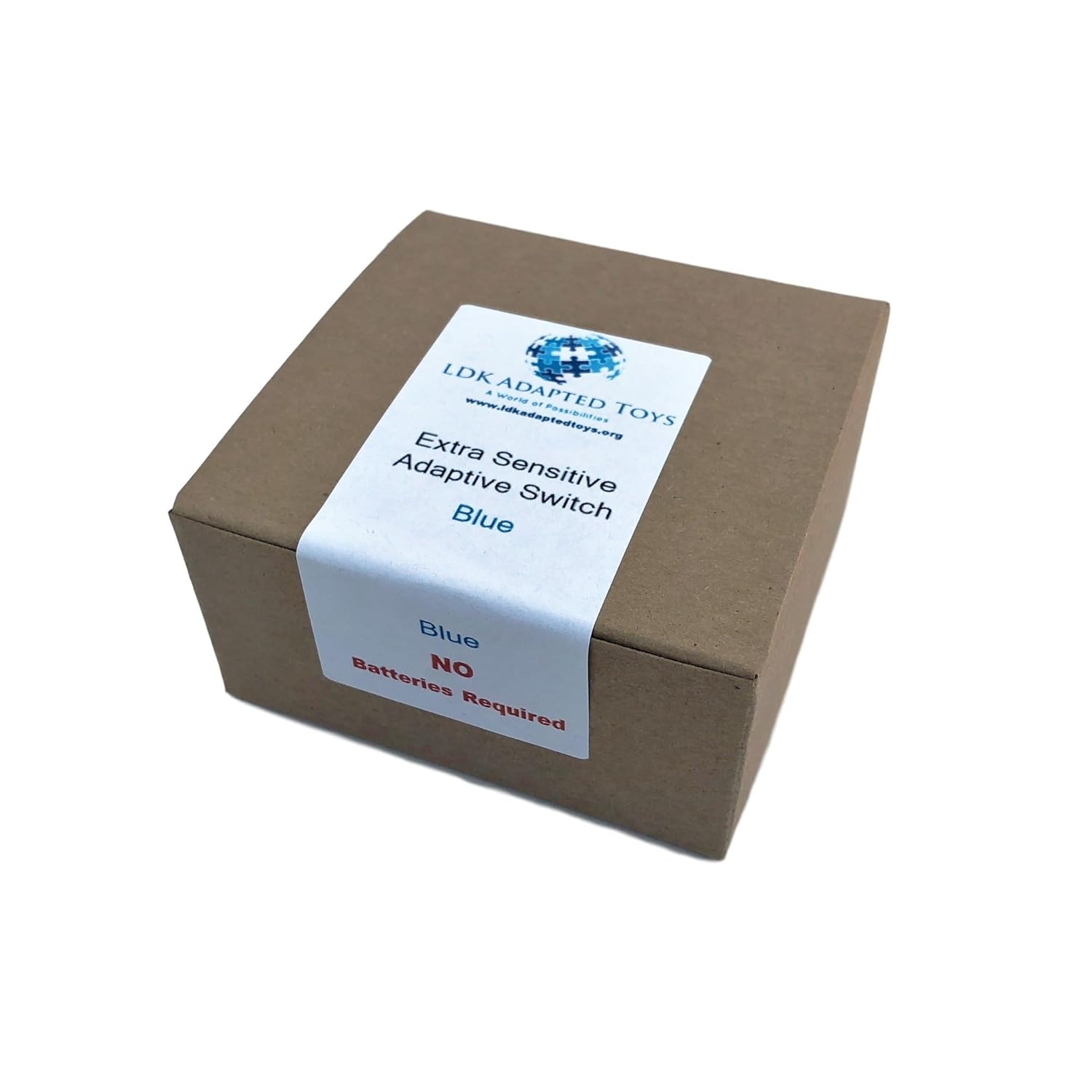
Imagine it’s a Tuesday afternoon and your client — someone living with ALS (amyotrophic lateral sclerosis, a progressive neurological disease that gradually weakens muscles) — could control their communication device comfortably six months ago. Today they’re struggling. The same switch they loved now takes more effort than they have to spare, and you need to make a decision before their next appointment. This article is for you: the occupational therapist, SLP, or AT specialist who’s somewhere between the referral and the funding approval, and needs a clear-eyed comparison of activation force levels, mount systems, and specific switch models to recommend right now. We’ll define the key specs, show the tradeoffs, and end with a concrete decision rule so you can walk out of the next team meeting with a defensible recommendation.
Why Activation Force Is the Hinge Variable for ALS
An adaptive switch is essentially any device a person can physically activate — press, puff, blink, squeeze — to send a signal to a tablet, AAC device, computer, or environmental control system. For the general AT market, switch selection is mostly about access site (where on the body), latency, and compatibility. For ALS specifically, it’s almost entirely about force progression.
Here’s the clinical reality: ALS follows an individual trajectory, but upper-limb involvement typically moves from grip weakness → finger weakness → thumb and thenar wasting → full hand paralysis. Mid-progression often means a person retains some reliable voluntary movement — a finger press, a lateral thumb roll, a cheek puff — but that movement is fragile and fatiguing. A switch calibrated to the wrong force threshold will either be missed (too stiff) or fire accidentally (too sensitive), both of which erode confidence and slow communication rate.
Published activation force ranges to know:
| Force tier | Typical gram range | Common use case |
|---|---|---|
| Ultra-light / feather | 5–35 g | Late-progression ALS, cheek/eyebrow |
| Light | 35–100 g | Mid-progression finger/thumb access |
| Standard | 100–200 g | Early ALS, CP, general use |
| Heavy | 200 g+ | High-tone users, intentional activation guard |
Source: ABLEDATA ACL product database specifications, cross-referenced against manufacturer data sheets from AbleNet, Enabling Devices, and RJ Cooper as of early 2026.
Mid-progression ALS almost universally targets the light (35–100 g) tier, with planning for a transition to ultra-light or a different access modality within 6–18 months. If you’re recommending a single switch today, that planning horizon is the single biggest mistake practitioners make — recommending for current function without building a transition path.
The Core Switch Families and Their Trade-Offs
Mechanical Plate Switches (Jellybean, Big Red, Specs)
The workhorse of the AT world. Large-surface mechanical switches like the AbleNet Jelly Bean (rated at approximately 85 g activation force per manufacturer spec) and the Enabling Devices equivalent are inexpensive ($25–$60), universally compatible via 3.5 mm mono jack, and extremely reliable over time. Across aggregated SLP and OT clinical reviews compiled by ATIA’s clinical resources database, this class of switch is consistently cited for durability and easy mounting via Loc-Line or RAM mount systems.
Trade-off that matters for ALS: The fixed activation force is the problem. A Jelly Bean at 85 g is fine for someone with moderate finger weakness; it becomes inaccessible within months for many ALS progressions. You are essentially buying time, not a long-term solution. Clinicians consistently note this in ALS-specific AT planning guides published by the ALS Association’s equipment loan program.
When to recommend: When the client has reliable finger or palm movement, funding is constrained, and you have a clear 3-month re-evaluation scheduled.
Adjustable-Force Switches (Smoothie, F3, Pal Pad Variants)
This is where mid-progression ALS gets more interesting. Switches like the AbleNet Smoothie and the RJ Cooper Pal Pad class allow tension or dome adjustment — either via interchangeable membranes or physical adjustment screws — giving you a meaningful range within a single unit. The Smoothie, per AbleNet’s published specifications, adjusts from approximately 28 g to 200 g depending on dome configuration.
The math on this decision:
- Adjustable switch (e.g., Smoothie): ~$60–$85
- Ultra-light switch (e.g., AbleNet Micro Light): ~$75–$100
- Pillow/cushion proximity switch (e.g., Enabling Devices Pillow Switch): ~$45–$70
If you buy a fixed ultra-light switch today and the client’s access site shifts in four months, you’re back to square one. An adjustable switch bought at mid-range tension, stepped down as strength declines, extends usable life by 6–12 months in many ALS trajectories — a meaningful difference when funding cycles run 12–24 months.
Trade-off: Adjustable switches are slightly bulkier and require clinician or caregiver recalibration when force is adjusted. They’re also somewhat less sensitive at the feather end than purpose-built ultra-light switches. When you’re at the ultra-light threshold, a dedicated feather switch will outperform an adjustable set to minimum.
Proximity and No-Touch Switches
For clients who have lost reliable contact-force movement entirely but retain gross motor movement (head turn, cheek movement, eyebrow raise), proximity switches and air-cushion switches enter the picture. The Enabling Devices Pillow Switch (which activates on light pressure or positional contact) and the AbleNet Specs Switch (designed for glasses-mounted use) represent this tier.
Critically, this segment bleeds directly into eye-gaze territory — at which point the switch conversation ends and the Tobii Dynavox I-Series / PCEye conversation begins. That’s a separate funding and device decision, but your mid-progression planning should flag the transition point explicitly. Per ASHA’s AAC evidence map resources, planning for modality transition in degenerative conditions is a clinical best practice standard, not optional.
Mount Systems: The Part That Actually Determines Whether This Works
Practitioners sometimes finalize a switch decision and underspecify the mount, which is a clinical error. For ALS mid-progression, mount selection is nearly as important as switch selection because:
- Upper limb fatigue means the client cannot reposition a poorly-placed switch.
- Atrophy changes access site geometry over weeks, not months.
- A switch that moves — even slightly — introduces access inconsistency that degrades communication rate.
The three mount architectures you’re actually choosing between:
Gooseneck / Loc-Line systems (e.g., Rehadapt, Daessy, RAM Mount configured for AT): Maximum positional flexibility, repositionable by caregiver without tools. The trade-off is long-arm instability — a 12-inch gooseneck will vibrate and drift if the client’s movement is at all effortful. Appropriate for wheelchair tray or bedside table mounting where the base is stable.
Rigid arm systems with locking joints (e.g., Daessy Modular Mount, Rehadapt MW series): Clinician-set position that locks and stays. Less caregiver-adjustable on the fly, but eliminates drift. Preferred for power wheelchair mounting where vibration from chair movement is a real factor. Daessy is frequently cited in AOTA’s AT practice guidelines for AAC and switch mounting as a clinical-grade solution for progressive conditions.
Bed rail / clamp systems: Often overlooked, but ALS mid-progression involves significant time in bed, not just wheelchair use. A second switch mount at bedside — low-cost clamp-on arm holding a feather switch positioned at thumb or cheek — extends independence into the overnight hours when no caregiver is present. The ALS Association’s equipment resource guides specifically call out bedside switch access as a gap in many home AT setups.
Funding note: Mounts frequently aren’t bundled in insurance authorizations. A $3,500 AAC device authorization may include zero dollars for the mounting system. This is a known gap in Medicaid waiver funding in most states. Budget $150–$500 for mounting hardware separately and route it through the AT equipment category or durable medical equipment (DME) supplier if you’re working through a state waiver.
Compatibility: Don’t Skip This Conversation
Every switch in this article uses a 3.5 mm mono plug (the standard AT interface, equivalent to a headphone jack) unless otherwise specified. This means direct plug-in compatibility with:
- Tobii Dynavox I-Series, T-Series (via switch interface ports)
- PRC-Saltillo Accent series, NovaChat devices
- iPad via AbleNet Blue2 or similar Bluetooth switch interface ($80–$120 range)
- Most environmental control units
Where this gets complicated for ALS: scanning rate and debounce settings. A client with hand tremor or muscle fatigue will generate accidental activations on a sensitive switch. Both Tobii Dynavox and PRC-Saltillo devices allow debounce adjustment (a setting that ignores activations shorter than a set duration, filtering out tremor noise) — but this setting must be calibrated to the switch, not just the device. Per ASHA clinical practice documentation, debounce miscalibration is one of the most common setup errors in ALS AAC configuration and directly reduces effective communication rate.
If you’re handing off a configured device without verifying debounce settings for the specific switch installed, you’re leaving performance on the table.
The Decision Rule: If X, Then Y
Here’s where the analysis lands into actionable guidance:
If the client has reliable single-finger or thumb movement, fatigue sets in after 10–15 minutes, and you have a 3-month re-evaluation window → buy an adjustable-force switch (Smoothie or equivalent), set to 50–70 g, on a locking rigid mount. Budget separately for mount hardware. Schedule force re-calibration at 90 days.
If the client is at palm or gross hand movement only, finger isolation is gone, and caregiving coverage is inconsistent → go directly to a cushion/pillow proximity switch, ultra-light tier, with a second unit at bedside. Do not buy a finger-press switch expecting to get 6 months of use.
If reliable voluntary movement is present but highly variable across the day (common in mid-progression fatigue patterns) → the switch question is secondary. Prioritize debounce and scanning rate configuration on the AAC device first; a well-configured standard switch often outperforms an ultra-light switch on a poorly-configured device.
If you’re within 6 months of projected hand/arm access loss based on clinical trajectory → begin the eye-gaze evaluation now, in parallel with switch optimization. Eye-gaze systems like the Tobii Dynavox PCEye 5 ($1,500–$2,500 range) and the I-Series with integrated eye-gaze take 4–8 weeks for trials, funding authorization, and delivery. Starting that process after manual access is lost means a gap in communication independence. The ALS Association’s AT pathway documentation flags this parallel-tracking approach as best practice.
Final Word on Funding
Switch hardware itself is often the low-cost line item — $50 to $150 for most of what’s discussed here. The funding friction is in the mount system (often not covered), the AAC device interface it connects to (requires separate authorization), and the evaluation time required to configure it properly (billable as AT evaluation under most Medicaid and private insurance codes, but requires documentation of functional need, not just diagnosis).
The strongest funding language for mid-progression ALS switch authorization consistently references “preservation of independent communication function” and “prevention of communication breakdown” — framing supported by ASHA’s evidence map on AAC in degenerative conditions. Avoid passive language (“device may help”) in authorization paperwork; active functional framing (“enables independent message generation without caregiver assistance”) is what moves authorizations forward.
The switch is small. The decision around it isn’t. Get the force right, mount it well, configure the device to match, and build the transition path before you need it.