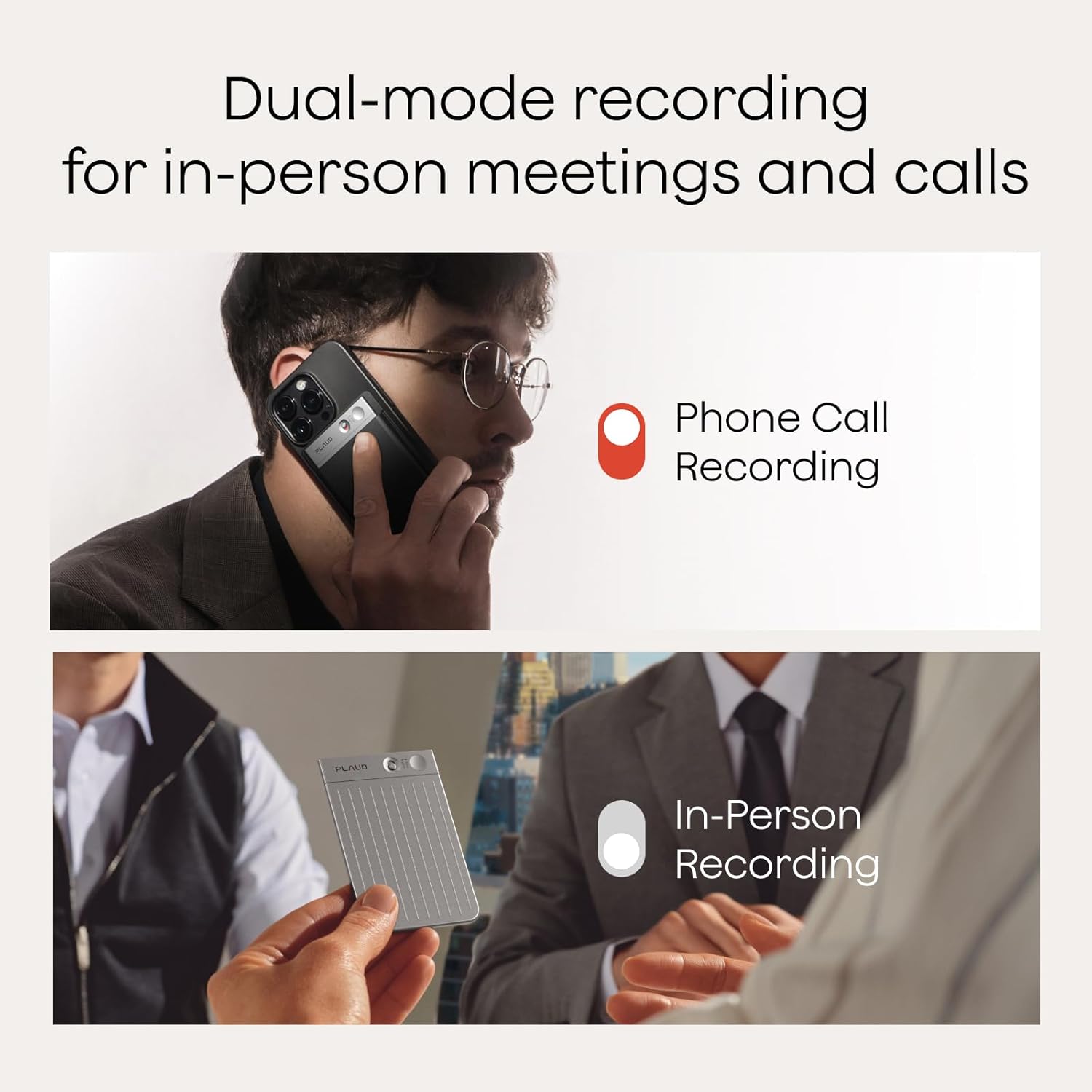
Imagine you’re an SLP or AT specialist and a client with low vision comes to you frustrated. They’ve tried every screen reader workaround, every Bluetooth mic trick, and they still can’t reliably capture notes from a group therapy session or a noisy IEP meeting without asking someone else to type for them afterward. They don’t want to be dependent. They want a device that records, transcribes, and gets out of the way — ideally without requiring them to squint at a 2-inch display to confirm it’s even recording. That’s the actual problem AI voice recorders are solving for a growing slice of your clients. These are small, dedicated hardware devices — not phone apps — that record speech, then use artificial intelligence to generate a written transcript automatically. The question this article answers: which ones are actually usable when a screen is a barrier, not a feature?
This comparison focuses on two devices that have generated the most substantive accessibility-adjacent feedback as of mid-2026: the PLAUD Note Pro and the iFLYTEK SR (also sold under regional branding). We’ll look at screen-free usability, transcription accuracy in realistic noisy settings, subscription costs, and the honest gap between “records well” and “transcribes well.” If you’re advising a client with low vision, acquired brain injury (ABI), or a cognitive disability affecting memory and executive function, these are the decision frames that matter.
The Screenless Form Factor Is an Accessibility Feature, Not a Missing One
Here’s the inversion that most mainstream tech reviewers miss entirely: the PLAUD Note’s lack of a screen — which reviewers in general consumer spaces routinely list as a drawback — is exactly what makes it worth a second look for clients with visual impairments.
The American Foundation for the Blind’s access technology guidance notes that dedicated single-function devices often outperform multifunctional smartphones for users who navigate primarily by touch and audio, precisely because there are fewer UI layers to traverse. The PLAUD Note Pro distills operation to a small number of physical buttons. You press one to record, one to stop. There is no screen to confirm state — but that also means there’s no screen to misread, zoom into, or accidentally dismiss. The device vibrates to confirm recording status, a tactile feedback mechanism that users with low vision report as genuinely useful rather than a consolation prize.
For acquired brain injury and fatigue-related cognitive disabilities, the low-friction form factor matters differently. Clients managing cognitive load — whether from ABI, MS-related fatigue, or autism-related sensory processing needs — consistently report that brain-dump workflows (speaking thoughts aloud while walking, in the car, or before sleep) are dramatically easier with a device that doesn’t require navigating a phone interface. ABLEDATA, the assistive technology database maintained by the Administration for Community Living, specifically flags “reduced operational complexity” as a primary AT selection criterion for cognitive disability populations in its cognitive aids device category documentation. The PLAUD Note Pro’s button-only operation maps onto that criterion directly.
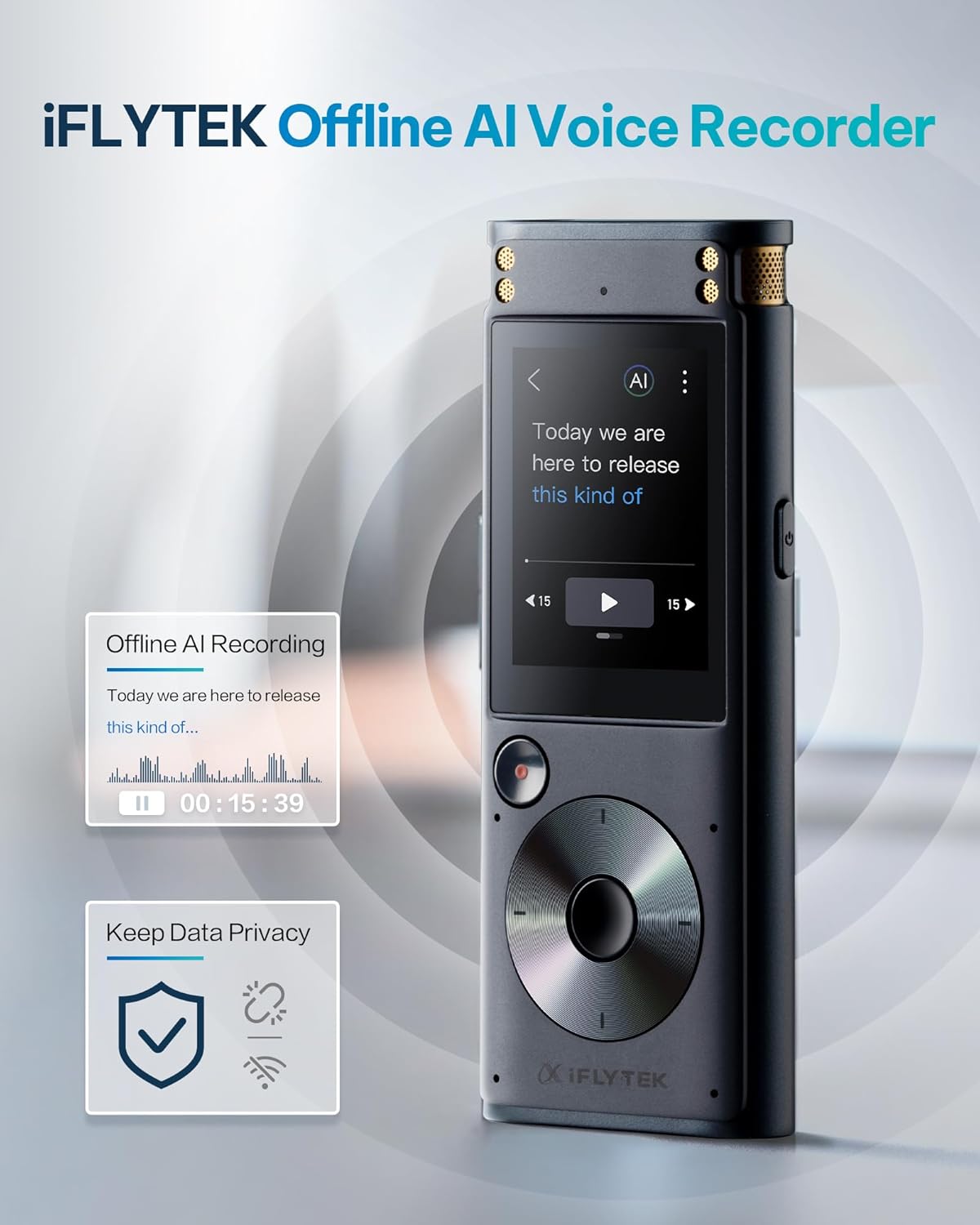
The iFLYTEK SR has a small display. For clients with moderate low vision who use magnification rather than full screen-reader access, that display is workable. For clients with severe vision loss or no functional vision, it introduces friction the PLAUD does not.
PLAUD Note Pro — Screen-Free Operation
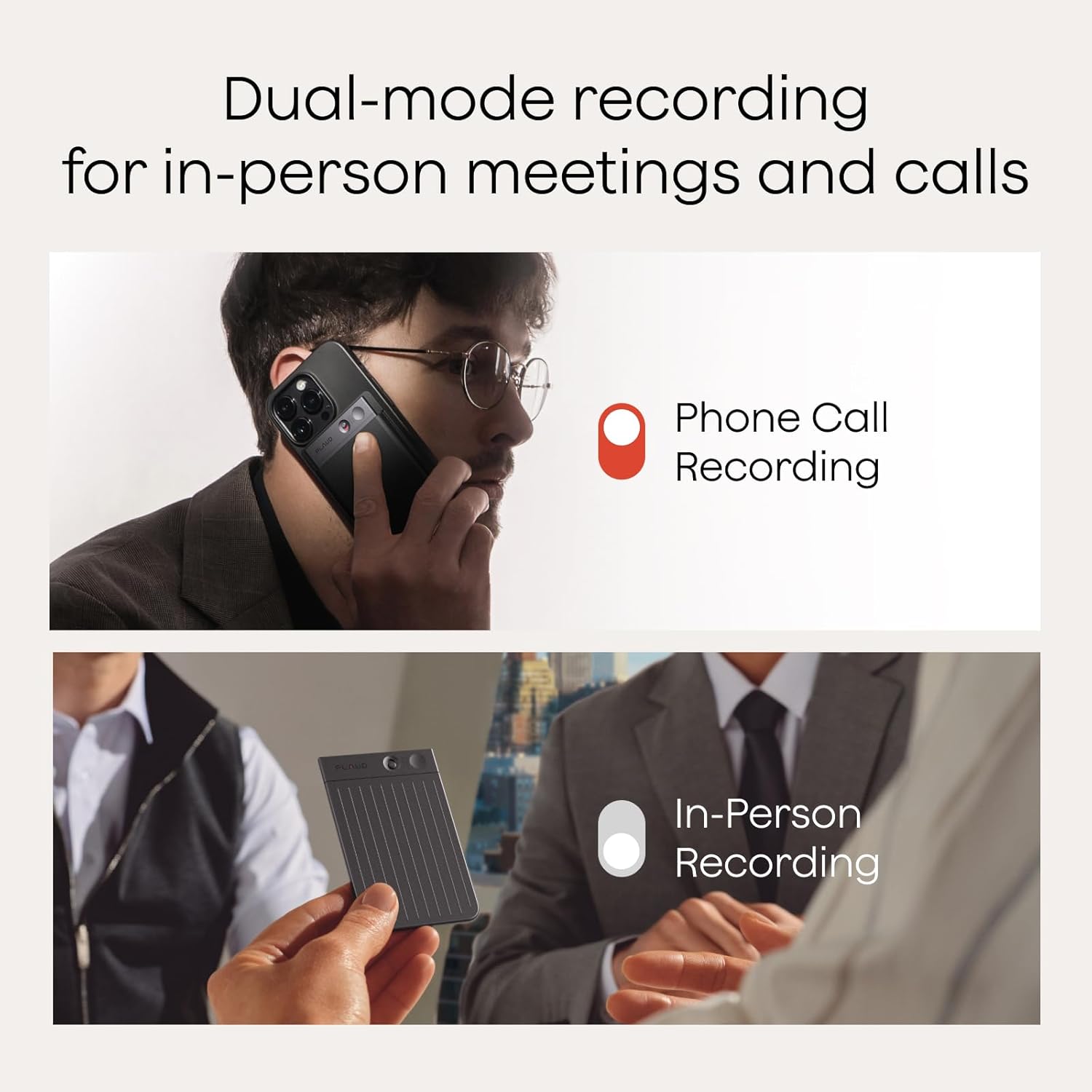
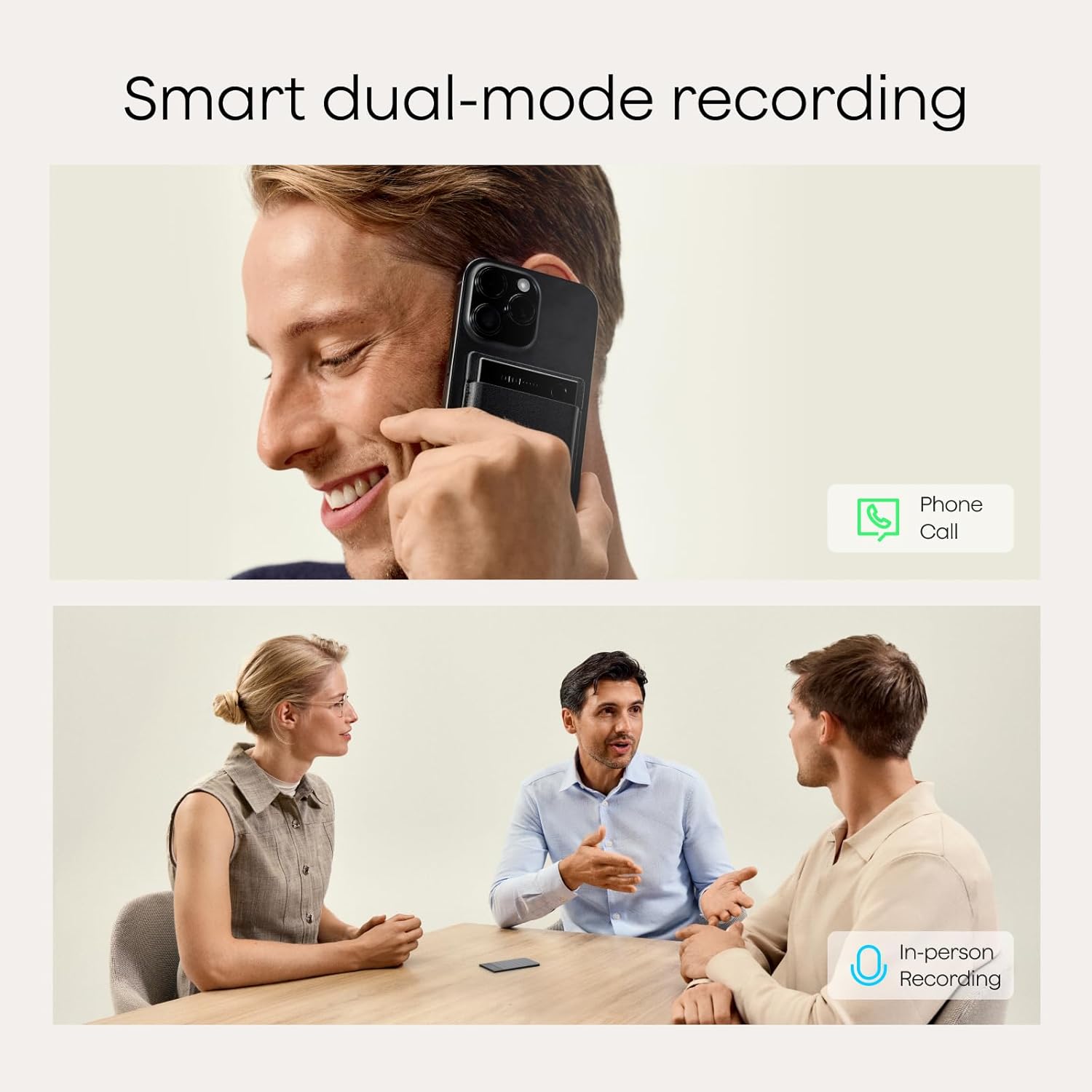
The PLAUD Note Pro’s physical-button-only control scheme and vibration confirmation make it operable without any visual reference. For clients with significant vision loss who need to operate a recorder fully independently — in meetings, therapy sessions, or daily life — this form factor removes a category of barrier that smartphone-based recording solutions cannot eliminate.
iFLYTEK
$127.99
In stock on Amazon
Check price on AmazoniFLYTEK SR — Small Display, Moderate Low Vision
The iFLYTEK SR includes a small display that provides on-device status confirmation. For clients with moderate low vision who use screen magnification and want visual feedback without pulling out a phone, the display is a functional advantage. For clients with severe or total vision loss, the display adds navigational complexity without payoff.
Plaud
$159.00
In stock on Amazon
Check price on AmazonSpecialist Blindness Recording Devices — Dedicated Accessibility Hardware
Devices designed specifically for users with visual impairments — documented in AFB’s access technology hardware category — typically carry hardware costs in the $500–$800+ range before any recurring software fees. The American Foundation for the Blind’s access technology documentation identifies this price tier as the established benchmark for purpose-built blindness recording hardware. These devices offer robust screen-reader-native interfaces but at a cost of ownership substantially higher than AI voice recorder alternatives.
Plaud
$189.00
In stock on Amazon
Check price on AmazonTranscription Quality: The Gap Between Recording Hardware and AI Software
This is the most consequential trade-off in this category, and it’s one that the “good audio recorder” framing obscures dangerously.
The iFLYTEK SR has received strong marks for microphone quality and audio capture — reviewers in professional settings note clean audio even at moderate distance from speakers. However, professional deployment reviews in structured, high-stakes settings have surfaced a consistent finding: the iFLYTEK’s AI transcription layer produces transcripts with error rates that require significant human correction, even when the underlying audio is clear. For low vision users and for clients with reading-related cognitive disabilities, a transcript that requires heavy correction is nearly as burdensome as no transcript at all. If the client cannot easily proofread dense text on a screen, transcription accuracy is not a secondary feature — it is the feature.
The PLAUD Note Pro’s transcription engine draws consistently stronger marks in real-world large-group settings. Owners report usable transcripts from conference sessions with 20 or more participants — not perfect, but functional enough that the summary and action-item extraction features add real value rather than compounding errors.
ASHA, the American Speech-Language-Hearing Association, emphasizes in its guidance on voice-to-text tools in clinical practice that transcription accuracy in multi-speaker environments is the single most variable quality dimension across devices in this category, and that marketing claims often reflect ideal single-speaker conditions rather than the group meetings, therapy sessions, and IEP discussions where AT clients most need accurate output.
Understood.org’s documentation on voice-to-text tools for people with learning and thinking differences makes a point directly relevant here: downstream usability of a transcript depends heavily on error density. A 95%-accurate transcript of a 60-minute meeting is workable. An 80%-accurate one may produce more confusion than the original conversation for a client managing working memory challenges.
Practical accuracy framing for client conversations:
- Industry benchmark for a “usable” transcript is typically cited at 90%+ word accuracy (meaning fewer than 1 error in 10 words)
- PLAUD Note Pro owner reports in large conference and meeting settings trend toward meeting this threshold
- iFLYTEK SR professional deployment reviews do not consistently meet this threshold in multi-speaker environments
- Neither device should be relied upon as a verbatim legal or clinical record without human review
Subscription Math and Funding Reality
The PLAUD Note Pro operates on a subscription model for its AI transcription features, priced at approximately $79 per year as of mid-2026. This recurring cost warrants explicit attention during AT recommendation and funding planning.
The ATIA’s 2025 Annual Report on AT device categories flags subscription-dependent devices as an emerging funding complexity. Traditional AT funding pathways — Medicaid waivers, vocational rehabilitation, school district budgets — are structured around one-time device costs, not annual software fees. A device that costs $150 in hardware but requires $79 annually for core functionality presents a different authorization challenge than a $500 single-purchase device, even if the five-year total cost of ownership favors the subscription model.
Total cost of ownership comparison:
- PLAUD Note Pro hardware: substantially under $200 at current pricing
- PLAUD Note Pro subscription: approximately $79/year
- Five-year total: under $600 in most scenarios
- Comparable specialist blindness recording hardware: $500–$800+ upfront, per AFB access technology category documentation, before any recurring costs
- iFLYTEK SR: hardware priced comparably to PLAUD; transcription accuracy gap documented in professional deployment reviews affects the functional value calculation
For clients funding their own device, the PLAUD Note Pro’s total cost of ownership is defensible even with the subscription. For institutional or VR-funded purchases, flag the subscription structure early in the authorization process. Vocational rehabilitation counselors and school district AT coordinators need to know whether a subscription line item is coverable under their current authorization framework — and the answer varies by state and by funding mechanism.
One additional consideration for ABI and cognitive disability clients funded through Medicaid home- and community-based services waivers: some waiver programs classify subscription software fees as non-covered “ongoing costs” even when the underlying device is approved. Resolve this in the letter of intent stage, not after the device ships.
Getting Transcripts Off the Device: The Low Vision Workflow Problem
The device captures audio and generates a transcript. But if your client can’t easily navigate a phone app with dense text menus, the transcript is effectively trapped. This is a genuine usability gap that neither manufacturer markets around prominently, but that practitioners consistently surface as a friction point in real-world deployment.
For low vision users, the most workable pathway documented by AT practitioners and device owners is pairing the companion app with iOS VoiceOver or Android TalkBack — the built-in screen readers on Apple and Android phones. The PLAUD app has received more consistent feedback for screen reader compatibility than the iFLYTEK app, though both have room for improvement. The American Foundation for the Blind recommends testing any companion app with the client’s preferred screen reader before finalizing a device recommendation, because app accessibility is updated independently of hardware and can change between software releases.
An alternative workflow for clients who avoid phone apps entirely: the PLAUD Note Pro can sync transcripts to a web browser via desktop, where screen magnification software and desktop screen readers — including JAWS and NVDA — typically offer more robust access than mobile apps. For clients with low vision who are already JAWS or NVDA users, plain-text export from the PLAUD web interface is the most compatible retrieval format.
For ABI clients or others with cognitive disabilities affecting app navigation, a caregiver or support worker can manage the sync process while the client operates the device independently — preserving autonomy at the recording stage while acknowledging that transcript retrieval may need support.
Frequently Asked Questions
Can I use the PLAUD Note without ever looking at a screen? For recording, yes. The device operates via physical buttons and provides tactile vibration feedback to confirm recording state. Retrieving and reading transcripts requires either the companion phone app or a web browser — both of which require a screen. Screen reader software (VoiceOver, TalkBack, JAWS, NVDA) can make that screen access fully non-visual, but initial setup does require either sighted assistance or a user already fluent in screen reader navigation.
What happens to my transcriptions if I cancel the subscription — do I lose my recordings? Based on the manufacturer’s published terms as of mid-2026: audio recordings stored on the device itself are retained regardless of subscription status. AI-generated transcripts and cloud-based features — summaries, action item extraction, unlimited transcription minutes — are tied to an active subscription. If the subscription lapses, previously generated transcripts should remain accessible, but new transcription of recordings may be limited or unavailable. Clients should download and locally save important transcripts before any subscription gap occurs.
How accurate is the transcription in a room with 20 or more people talking? Owner reports from large conference and meeting environments are more positive for the PLAUD Note Pro than for the iFLYTEK SR. The PLAUD Note Pro is consistently described as producing functional transcripts in these settings — not error-free, but usable for summary and action-item purposes. The iFLYTEK SR’s transcription accuracy in multi-speaker environments has drawn critical reviews in professional deployment contexts. Neither device should be relied upon as a verbatim legal or clinical record without human review.
Does the iFLYTEK work without an internet connection? The iFLYTEK SR can record audio offline. AI transcription requires an internet connection to process through the manufacturer’s cloud servers. For clients in settings with unreliable connectivity — rural areas, certain clinical facilities — this is a significant functional limitation that should be evaluated before purchase.
Is there a free tier, and how many hours of transcription does it include? The PLAUD Note Pro offers a limited free tier. The specific number of free transcription minutes has varied with product updates; confirm current published terms directly with the manufacturer before recommending the device to a client on a constrained budget. The paid subscription tier at approximately $79/year removes transcription hour caps for most practical use cases.
How do I get transcripts onto my computer if I have low vision and can’t easily use the app? The most accessible desktop pathway is the PLAUD web interface, accessible via a standard browser with screen magnification or a desktop screen reader. Transcripts can be copied as plain text or exported. For clients who use JAWS or NVDA, plain-text export is the most compatible format. A caregiver or AT specialist can assist with initial setup of the desktop sync workflow, which then runs with minimal ongoing intervention.
The Decision Rule
If your client has significant vision loss and needs fully independent device operation: The PLAUD Note Pro is the clearer choice. The screenless hardware, tactile feedback, and stronger screen reader compatibility in the companion app stack in its favor. The $79/year subscription is justified by the cost comparison to specialist blindness devices alone, per AFB access technology category pricing documentation.
If your client’s primary need is high-quality audio capture for a sighted reviewer to process later: The iFLYTEK SR’s microphone quality is competitive. But if transcription accuracy matters for independent use — and for ABI, cognitive disability, and low vision clients, it almost always does — the documented gap in AI output quality is disqualifying for unsupported workflows.
If your client is in an institutional setting with VR or Medicaid waiver funding: Flag the subscription structure with the authorizing agency before submission. The hardware cost is fundable under most AT device categories; the annual software fee may require a separate authorization or may not be coverable at all. The ATIA’s 2025 Annual Report specifically calls out this funding complexity for subscription-dependent AT devices. Solve it in the letter of intent stage, not after the device ships.
The right AI voice recorder, matched to the right client and the right funding pathway, can meaningfully extend independence for people who have been told their only option is to ask someone else to take notes. That is worth the comparison work.