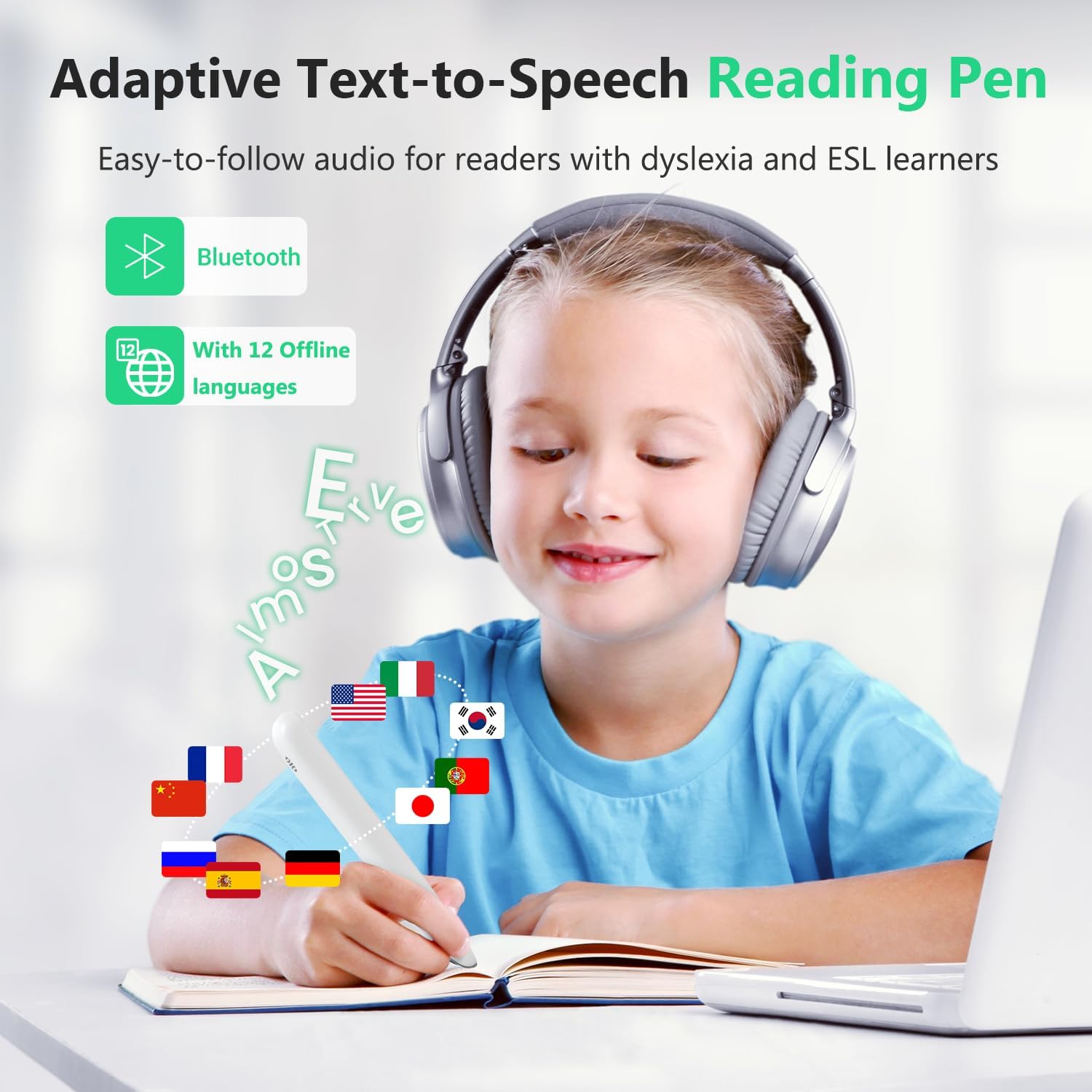
Imagine a student with dyslexia sitting down for an exam. No aide, no text-to-speech app (because the device policy forbids internet access), just a printed page and a small pen-shaped scanner they’ve been told will read the words aloud. That promise — independent, on-demand access to printed text — is exactly what scan-and-read pens are marketed to deliver. A scan-and-read pen is a handheld device, roughly the size of a thick marker, that you drag across a printed line of text. Built-in optical character recognition (OCR — the software that converts images of letters into readable text) processes what the camera captures, and the pen speaks the word or sentence through a built-in speaker or earphone. For students and adults with dyslexia, low vision, acquired brain injury, or other print-related disabilities, the concept is genuinely compelling. But between the marketing promise and the classroom reality sits a gap that this guide is specifically built to navigate.
If you’re an SLP, special education coordinator, or OT who has already recommended or authorized one of these devices — or is about to — this article addresses the things the spec sheets actively obscure: what accuracy figures mean in practice, where defective-unit rates create procurement risk, and how the offline language architecture can silently undercut the device’s most important use case.
| EDITOR'S PICKScan Translation Pen - 142 Lang… | Mid-tierSVANTTO 4-in-1 Translator Pen &… | Budget pickScan Translator Pen | |
|---|---|---|---|
| Languages | 142 languages | 102 languages | 142 languages |
| Offline langs | 10 offline | — | 10 offline |
| Voice recorder | — | ✓ | — |
| Smart notes | — | ✓ | — |
| Price | $62.99 | $49.99 | $39.99 |
| See on Amazon → | See on Amazon → | See on Amazon → |
Why 80–90% Accuracy Is Not the Same as “Good Enough”
The single most useful accuracy benchmark circulating in practitioner reviews right now comes not from a manufacturer test but from a special education teacher who is also a parent of five children — one of whom uses a scan pen daily. Her published assessment puts real-world scanning accuracy at 80–90%, and she is careful to note that the device performs best on individual words rather than sustained paragraph reading.
That qualifier matters enormously for your population. As understood.org’s overview of assistive technology for reading notes, readers with dyslexia are not failing to decode because they aren’t trying — they are working harder than typical readers for every word, and each decoding failure carries a cognitive cost. An 80–90% word-level accuracy rate means that in a 100-word passage, between 10 and 20 words will be misread, skipped, or garbled. For a fluent reader using a pen as a convenience tool, that error rate is annoying. For a child who is relying on the pen as their primary access route to print, a 10–20% error rate means the comprehension scaffolding collapses on the sentences where errors cluster.
By the numbers:
| Use pattern | Words per page (approx.) | Expected errors at 85% accuracy | Comprehension impact |
|---|---|---|---|
| Single word lookup | 1–5 words | 0–1 errors | Low — tolerable |
| Short phrase / caption | 6–20 words | 1–3 errors | Moderate |
| Paragraph (exam question) | 50–100 words | 8–15 errors | High — comprehension risk |
| Full page of running text | 200–300 words | 30–45 errors | Very high — access breaks down |
This is a category-level finding, not a condemnation of any single product. The OCR engines in portable pens — even well-reviewed ones — are operating under conditions that lab tests don’t replicate: variable lighting, slightly curved pages, inconsistent dragging speed, and the motor-control challenges that accompany many of the same diagnoses that make these pens necessary in the first place.
The ATIA 2025 conference session notes on portable literacy tools flag line-jumbling — where the pen captures part of one line and part of the next — as a consistent complaint across multiple brands when users scan near the end of a line or on narrowly spaced text. Treat this as a category limitation you should communicate to users before deployment, not as a defect that a firmware update will resolve.
Decision frame: If the primary use case is single-word or short-phrase lookup (vocabulary support, label reading, spot-checking), 80–90% accuracy is a workable baseline for many users. If the use case is independent reading of multi-sentence exam questions or sustained text passages, you need to set realistic expectations with the family or student before the device ships — and consider whether the pen is a supplement to other access tools rather than a standalone solution.
The Defective-Unit Problem Is a Procurement Risk, Not a Fluke
Two separate defective-unit patterns show up consistently enough in aggregated purchaser reviews to warrant a procurement advisory, not just a footnote.
The first involves units received stuck in a foreign-language setting that cannot be changed through normal user settings. One documented buyer received a unit in this condition, returned it, and received a second defective unit in the same state — strongly suggesting the issue originates at the fulfillment or returns-reprocessing stage rather than at the factory. Units being returned and restocked as “new” is a known problem in third-party marketplace fulfillment. A device that speaks a language the student cannot understand is not just unhelpful — for a child with dyslexia who is already working against internalized narratives about failure, receiving a broken tool can do active harm to motivation.
The second pattern involves non-charging units: at least one documented buyer received two sequential non-charging devices before receiving a functional one. Again, the sequential nature is the signal — this is not manufacturing defect randomness, it is a restocking pipeline problem.
How to reduce this risk at the procurement level:
- Order direct from the manufacturer’s authorized channel or a specialty AT retailer rather than a third-party marketplace seller, even on platforms that appear reputable. The refurbishment pipeline for consumer electronics on open marketplaces is opaque.
- Specify “new, unopened” in any purchase order language and document the condition policy in writing before the order ships.
- Build a 72-hour unboxing and function-check protocol into your deployment workflow. Power on, confirm language setting, run a short scan test, and verify charging before the device leaves the receiving office. This catches the problem while return windows are still open.
- For school district or clinic purchases of more than two units, contact the manufacturer’s institutional sales channel directly. Volume orders often bypass the third-party fulfillment systems where defective-unit re-entry happens.
ASHA’s practice portal guidance on literacy access notes that device reliability is a foundational requirement for assistive technology adoption — a tool that fails or confuses at first use creates a negative association that can undermine subsequent willingness to try AT. The defective-unit risk here is not just a customer-service inconvenience; it is a clinical variable.
The Offline Language Gap: Where the Headline Number Misleads
Many scan pens are currently marketed with headline figures like “142 languages supported.” That number is accurate — but it applies only when the device is connected to the internet. The offline language library on most current-generation pens covers approximately 10 languages.
For a device whose most important use case — in educational contexts — is the offline, no-internet-connection classroom or standardized exam environment, the gap between 142 and 10 is not a minor asterisk. It is the difference between the product working or not working in the moment it is most needed.
The abledata.acl.gov product database on scan-and-read assistive technology confirms that offline OCR processing is computationally heavier and requires local language model storage, which is the practical constraint behind the reduced offline library. This is an engineering reality, not a manufacturer omission — but it becomes a buyer trap when the headline language count is the figure used in IEP documentation or accommodation planning.
How this plays out in practice:
- A student who reads English, French, or Spanish (among the 10 typical offline languages) may be fine for most classroom use.
- A student whose primary language is not in the offline library will find the pen effectively non-functional during internet-restricted exams — the scenario where it’s needed most.
- Multilingual classrooms in urban districts need to audit the offline language list against their actual student population before committing to a device at scale.
Decision rule: Before specifying any scan pen for exam accommodation use, pull the manufacturer’s offline language list (not the headline language count) and cross-reference it against the student’s primary and home language. If the language isn’t in the offline library, either the accommodation plan needs a different tool or the exam environment needs an internet exception — which is its own administrative process.
What a Realistic Best-Case Outcome Looks Like
It would be editorially dishonest to write this article as only a list of limitations. One of the most striking practitioner-adjacent accounts in the current review pool comes from a parent of an 11-year-old with dyslexia who reports that a scan pen exceeded their expectations and became integrated into the child’s daily routine — enabling moments of independent reading that had not been accessible before.
That outcome is real and worth holding onto. Independent reading access — even partial, even supported — is a meaningful functional gain for a child who has built an identity around not being able to read. The pen is not a cure for dyslexia; it’s an access tool, like a wheelchair ramp. The ramp doesn’t fix the underlying condition, but it changes what spaces a person can enter.
The best-case outcome the reviewed parent described is achievable — under specific conditions. The text is printed clearly on white or light-colored paper. The student has practiced the dragging motion enough to maintain consistent speed. The use case is word-level or short-phrase access, not paragraph reading. The language is in the offline library. The unit was received new and functional. When those conditions are met, scan pens deliver on their core promise.
The gap between marketing and clinical reality is not a reason to dismiss the category. It is a reason to set accurate expectations with students and families, build proper onboarding into your deployment, and position the pen correctly within a broader AT toolkit rather than as a single-point solution.
Frequently Asked Questions
Is 80–90% scanning accuracy good enough for a child with dyslexia who is relying on the pen to read independently?
For single-word lookups, yes — most students can tolerate occasional errors. For sustained paragraph reading or independent exam navigation, no. At 85% accuracy, a 100-word passage yields roughly 15 misread words. For a student whose comprehension is already effortful, that error rate disrupts meaning at the sentence level. Use the pen as a word-level support tool within a broader strategy, not as a standalone reading solution.
How do I avoid receiving a used or defective scan pen when ordering online?
Order through the manufacturer’s direct channel or a specialty AT retailer rather than third-party marketplace sellers. Specify new, sealed units in purchase orders. Run a function check — language setting, scan test, charging verification — within 48 hours of receipt while the return window is open. For institutional orders of three or more units, contact the manufacturer’s B2B or school sales line directly.
Does the pen work in a classroom or exam where there is no internet connection?
Yes, but only for the languages in the offline library, which is typically around 10 languages rather than the 100+ figure in most marketing materials. Confirm that the student’s reading language is in the offline library before relying on the pen for internet-restricted accommodations.
Can the pen read handwriting, and how accurate is that compared to printed text?
Current-generation scan pens perform significantly worse on handwriting than on printed text. Most manufacturers do not publish handwriting OCR accuracy figures separately, but aggregated user reports consistently rate handwriting recognition as unreliable enough to treat as unsupported. Plan exam and classroom accommodations around printed materials only.
What is the difference between the 10 offline languages and the 142 online languages — which one matters for my use case?
If the student will use the pen in internet-connected environments only, the full language library is accessible. If the pen is needed in classrooms, testing centers, or other restricted environments — the most common AT use case — only the offline library is available. For most disability accommodations in educational settings, the offline library is the number that matters.
Sources consulted: understood.org, “Assistive Technology for Reading” overview; abledata.acl.gov, scan-and-read AT product database; atia.org, ATIA 2025 Conference Session Notes on Portable Literacy Tools; asha.org, “Literacy and AAC” practice portal guidance.