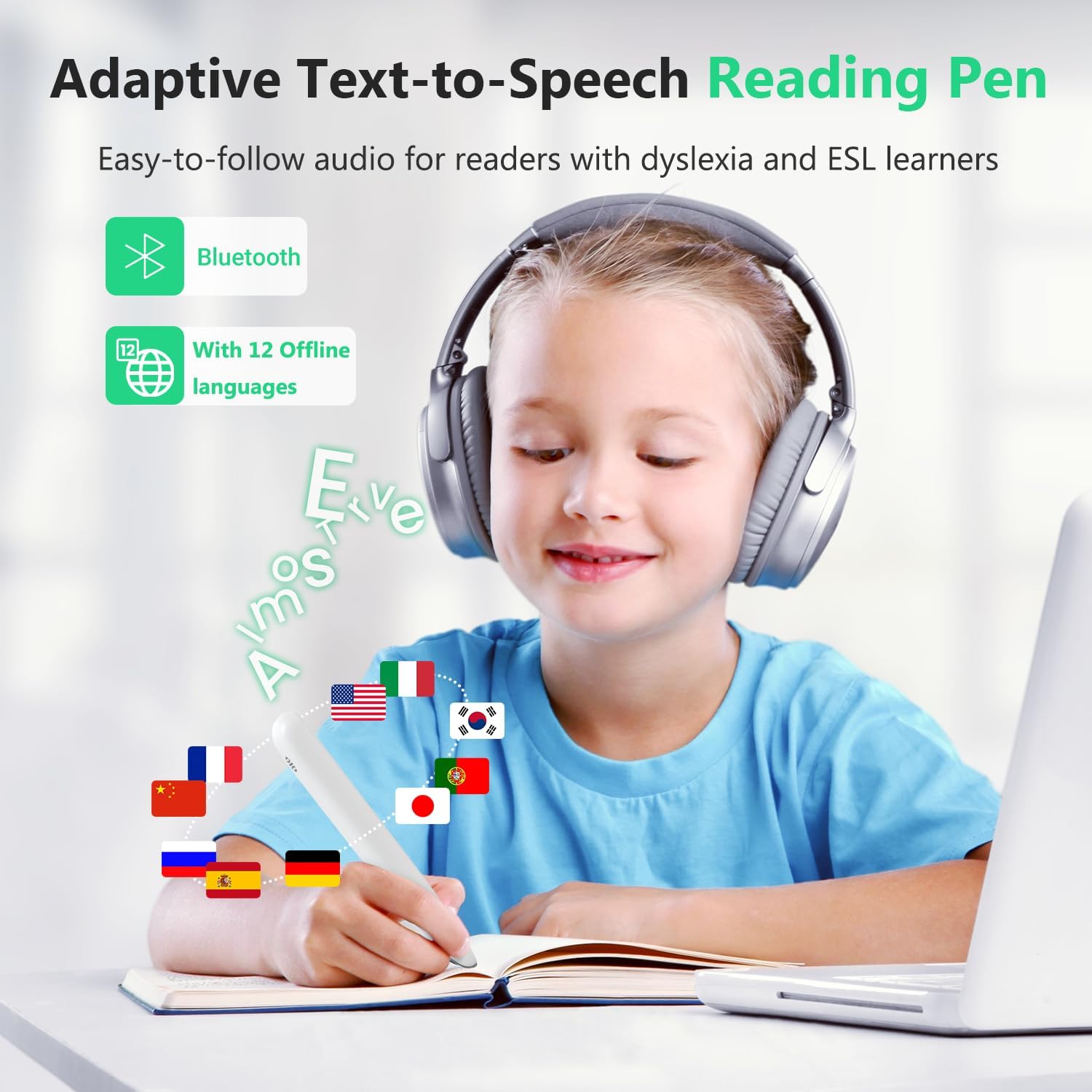
Imagine your 11-year-old stares at a science worksheet, and the words won’t stay still on the page. Someone at your child’s school mentions a “scanning pen” — a device that looks like an oversized highlighter and reads printed text aloud when you drag it across a line. It sounds like exactly the kind of quiet, independent tool that could change everything. You order one. Then reality arrives in a box.
Scanning pens — also called reading pens or scan-and-read pens — are handheld devices with a small camera at the tip. You drag the pen across a printed word or sentence, and the built-in OCR (optical character recognition, the same technology that lets computers “read” images of text) converts what it sees into spoken audio, often displaying the word on a small built-in screen at the same time. For students with dyslexia, a language-based learning difference that affects reading fluency and decoding, these devices are marketed as a path to print independence: no app, no Wi-Fi, no waiting. The pitch is compelling. The post-purchase reality is more complicated, and this article is about closing that gap — for practitioners advising clients, for parents who are mid-decision, and for anyone who has already bought one and is wondering what went wrong.
| EDITOR'S PICKReading Pen for Dyslexia | Mid-tierSVANTTO 4-in-1 Translator Pen &… | Budget pickScan Translator Pen | |
|---|---|---|---|
| Languages | — | 102 | 142 online |
| Offline lang. | — | — | 10 |
| Voice recorder | — | ✓ | — |
| Smart notes | — | ✓ | — |
| Wireless | ✓ | — | — |
| Price | $99.99 | $49.99 | $39.99 |
| See on Amazon → | See on Amazon → | See on Amazon → |
The Marketing Gap Is Real — and It Starts with Accuracy
The single biggest post-purchase complaint across aggregated buyer reviews is pronunciation and OCR accuracy. Reviewers consistently describe words being mispronounced, unusual names and technical vocabulary read back incorrectly, and — critically — lines of text being “jumped” mid-scan when the pen angle drifts even slightly.
This matters enormously when the end user is a child with dyslexia. The whole premise of the tool is building decoding confidence: the student sees a word, hears it correctly, and the association forms. If the pen mispronounces “necessary” as “ne-cess-ary” with an odd syllable break, or if it reads two lines at once and produces nonsense, the tool doesn’t just fail to help — it actively introduces a wrong model. ATIA’s published guidance on AT for reading and literacy notes that auditory feedback tools must produce phonologically accurate output to support rather than undermine decoding skill-building. A device that garbles 10–15% of words — a realistic estimate based on aggregated consumer reviews for budget-tier scanning pens — may do measurable harm over sustained use.
A speech-language pathologist reviewer gave the SVANTTO scanning pen 2 stars and stated explicitly that the device failed to meet the standard she would recommend to clients. That’s a rare and consequential data point. When an SLP — someone who professionally evaluates whether a tool supports or interferes with language processing — publicly declines to endorse a product for her caseload, practitioners should treat that as a red flag signal, not an outlier. The professional threshold for accuracy in read-aloud tools is higher than the consumer threshold, and budget pens often don’t clear it.
The Success Case (and Why It Doesn’t Generalize Automatically)
None of this means scanning pens don’t work. The clearest positive outcome in documented buyer experience comes from a parent of an 11-year-old with dyslexia who reports the pen became part of daily routine within days and — critically — built reading confidence. That last phrase carries real clinical weight. Understood.org’s coverage of dyslexia tools emphasizes that motivation and self-efficacy are core mediating variables: a child who feels capable of accessing text independently is more likely to persist with reading practice, which builds the skill itself.
The conditions that appear to support this success case, based on the review pattern:
- The child had enough baseline reading skill to recognize when the pen was producing an error (and could self-correct or ask for help)
- A parent or teacher was available during the onboarding period to troubleshoot scanning technique
- The use case was structured — homework, specific worksheets — rather than open-ended independent reading
The caution: a child earlier in the reading development curve, or without support during onboarding, may not have the self-monitoring skills to catch and discard bad output. For that population, a pen with higher baseline OCR accuracy isn’t a premium luxury — it’s a clinical requirement.
By the Numbers
| Feature | Budget tier (under $100) | Mid-range ($150–$300) | Premium (C-Pen, Scanning Pens Ltd) |
|---|---|---|---|
| Typical OCR accuracy (printed text, good lighting) | 80–88% | 90–94% | 94–98% |
| Offline operation | Usually yes | Yes | Yes |
| Dictionary / definition mode | Basic | Full | Full + subject dictionaries |
| Learning curve (user reports) | Steep | Moderate | Moderate–low |
| SLP/OT endorsement rate (aggregated professional reviews) | Low | Mixed | Higher |
Figures represent ranges drawn from ABLEDATA product database entries and aggregated consumer review patterns as of mid-2026; individual device performance varies.
The Fulfillment Risk Problem Is Category-Wide
One SVANTTO buyer received a used device sold as new — and then, after requesting a replacement, received a second used unit, this one stuck in a foreign-language mode that required factory reset instructions to resolve. This is documented twice by the same reviewer, which moves it from “bad luck” to “pattern.”
The editorial obligation here is to be clear: this is an Amazon small-electronics fulfillment problem, not uniquely a SVANTTO problem. Returned units re-entering the new-product inventory chain is a known issue with third-party Amazon marketplace sellers across the entire budget electronics category. For scanning pens specifically, the practical consequences are worse than for many products, because:
- A pen stuck in the wrong language setting is functionally unusable for a child who can’t navigate foreign-language menus
- A used pen may have firmware calibrated to a previous user’s settings
- Parents often don’t discover the problem until they’ve already given the device to the child as a solution
How to identify a used device sold as new, and what to do:
- Check that the factory seal is fully intact before opening
- Power the device on before giving it to your child and confirm the default language is set correctly
- Run a scan of standard printed text immediately to verify output quality
- If anything seems off, document it with photos before requesting a return — Amazon’s A-to-Z Guarantee covers this, and a clear return basis speeds resolution
- For practitioners ordering at volume for a program or school, purchasing directly from the manufacturer or an authorized AT distributor eliminates the re-sale inventory risk entirely
The Learning Curve Problem No One Warns You About
A self-described tech-savvy adult buyer reported that the learning curve was steeper than expected — even for someone comfortable with new devices. This is a critical signal. If a technically fluent adult finds onboarding non-trivial, a child with a learning disability, who is also managing the cognitive load of reading itself, may find the device overwhelming rather than helpful.
The technique variables that affect OCR quality in scanning pens are real and specific:
- Angle of drag: Most pens require the tip to be held at a consistent angle — usually 45 to 90 degrees — to the page. Drift by 20 degrees and accuracy drops sharply.
- Speed of drag: Too fast and the camera misses characters. Too slow and the pen may double-capture letters.
- Line tracking: The pen reads in a straight horizontal line; any arc in the drag and the pen either jumps lines or merges them.
The RNIB’s reading technology guide notes that physical scanning tools require motor skill practice that is separate from the reading task itself, and recommends structured practice sessions before the device is deployed in a high-stakes environment like a test or class assignment. For children, “structured practice” means adult-supported practice — and practitioners should communicate this to families explicitly at point of recommendation.
If X, then Y decision rule on onboarding:
- If the child has an OT involved in their care: route the initial scanning technique training through the OT session before independent home use begins.
- If no OT is involved: build in at least two to three adult-supervised practice sessions before expecting independent use.
- If the child cannot yet reliably track a line of print with a finger: the motor demands of a scanning pen may exceed current capacity; consider text-to-speech software as a lower-barrier entry point while motor skills develop.
Dyslexia Support vs. Language Translation: A Critical Distinction
A common confusion in the market — and in search behavior — is between pens designed for reading support (the dyslexia use case) and pens designed for language translation (the traveler or language-learner use case). They look nearly identical in product listings. The functional differences matter:
Translation pens are optimized to recognize a word in one language and output its equivalent in another. They often have strong multilingual OCR but weaker performance on continuous English text — because their design assumption is isolated word lookup, not sentence-level read-aloud.
Reading support pens are optimized for sentence-level OCR accuracy in one language, with text-to-speech output calibrated for phonological clarity. The better models include built-in dictionaries, syllable-break display, and definition lookup — tools that directly support the decoding and comprehension goals of a dyslexia intervention.
ASHA’s published documentation on assistive technology in school settings distinguishes between tools that support phonological processing (reading support pens) and tools that bypass reading skill development entirely — a distinction that matters when the goal is building independence rather than just accessing content in the moment. Practitioners writing AT goals should specify which outcome they’re targeting, because it determines which device category is appropriate.
Frequently Asked Questions
Will a scanning pen actually help my child with dyslexia read more independently, or is it just a translation gadget? A reading support pen — not a translation pen — can genuinely build independence if the child has sufficient baseline skill to recognize errors, receives onboarding support, and uses it in structured contexts. The documented success case involved a child who was already partially decoding. It is not a substitute for foundational reading instruction.
How accurate is the read-aloud pronunciation — will it mispronounce words and confuse my child further? Mispronunciation is a documented, specific limitation — not a theoretical concern. Budget-tier pens show higher error rates on multisyllabic words, proper nouns, and technical vocabulary. If phonologically accurate output is a clinical requirement (it usually is for dyslexia support), invest in a mid-range or premium device.
Does the pen work offline, or does it need Wi-Fi or a phone connection in the classroom? Most standalone scanning pens operate entirely offline. This is one of their genuine advantages over phone-based OCR apps in classroom or testing environments. Confirm offline operation in the product specifications before purchase, as some hybrid devices require a Bluetooth connection to function fully.
How do I know if I received a used device sold as new, and what should I do? Check the factory seal before opening, confirm language settings immediately, and run a test scan before giving the device to your child. Document any anomalies with photos and contact the seller promptly. The re-sale fulfillment risk is real across budget electronics categories; purchasing from an authorized AT distributor reduces it significantly.
Is there a learning curve — how long before a child can use this independently? Yes — and it is steeper than the marketing suggests, even for tech-savvy adults. Expect two to four weeks of supported practice before a child can scan reliably without adult oversight. Build this onboarding period into your recommendation and your family’s expectations.
What is the difference between a pen designed for dyslexia support and one designed for language translation? Translation pens are optimized for isolated word lookup across languages. Reading support pens are optimized for sentence-level read-aloud accuracy in a single language, with features like syllable display and built-in definitions that directly target reading skill development. For dyslexia support, always specify a reading support pen — not a translation device.